 Surfping
Lose signal.
Not each other.
Surfping is a private messenger for chats, calls and posts. When the signal is gone, chat keeps working with the Surfping phones around you. Calls need internet. No phone number needed.
FreeNo adsNo trackersAges 16+
- End-to-end encrypted online chats and calls
- No phone number needed
- No ads, no trackers
- We never sell your data
- Free to use
Chat, even offline.
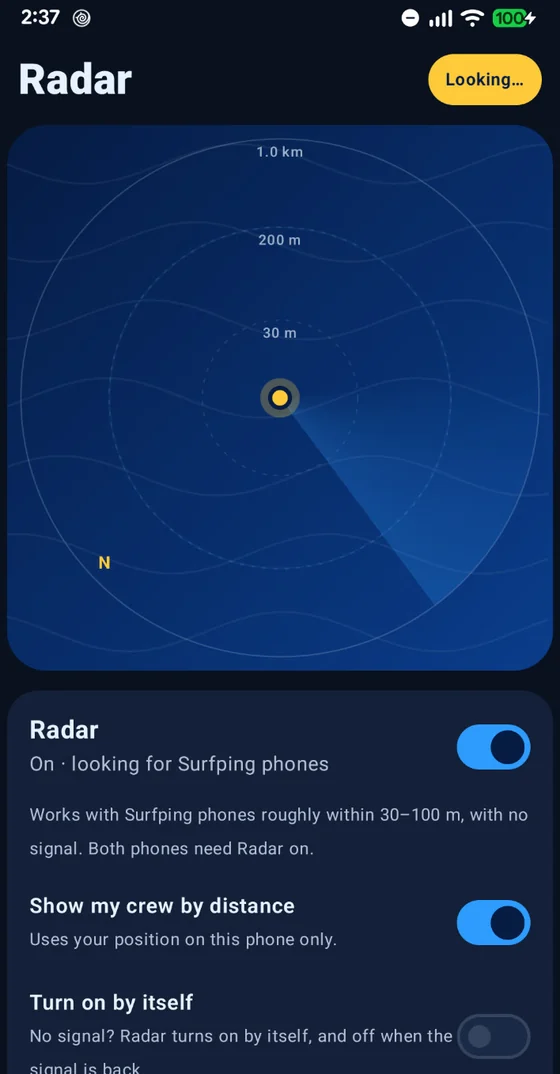
When the internet goes away, chat doesn’t. Turn on Radar and chat with Surfping phones around you over Bluetooth and Wi-Fi. No mobile data and no Wi-Fi network needed. Calls need internet.
- Turn on Radar to chat with Surfping phones around you
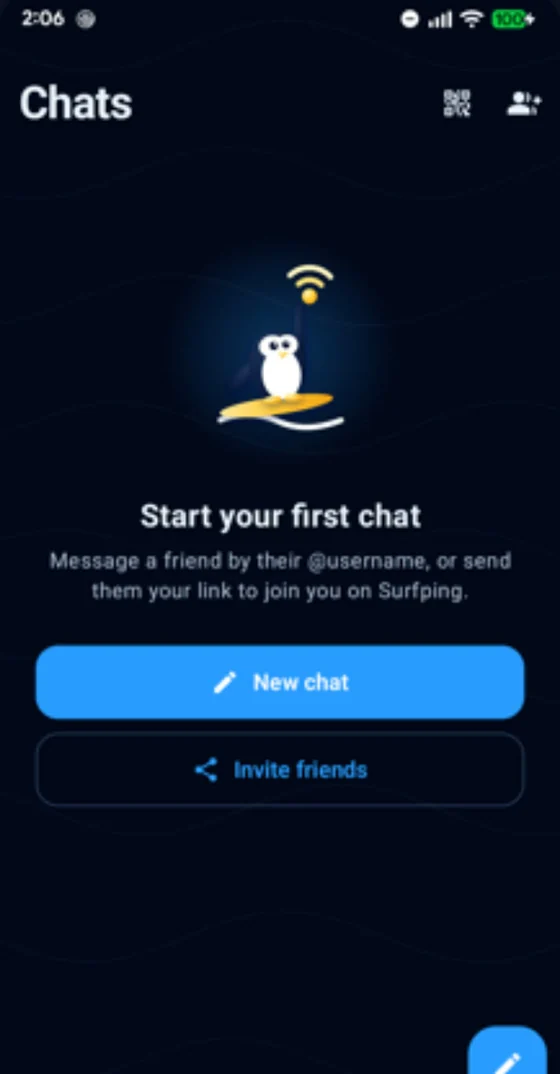
- An “Everyone nearby” room: any Surfping phone in range can message you there
- A message to someone out of range waits on your phone and goes out when they come close
Range is roughly 30–100 m between Android phones. Walls and hills shorten it. Both phones need Surfping with Radar on, and your account set up once online. Nearby messages go over an encrypted link but are not end-to-end encrypted, and @usernames are not verified yet: while Radar is on, anyone in range can see your name and @username.
Never lose your crew.
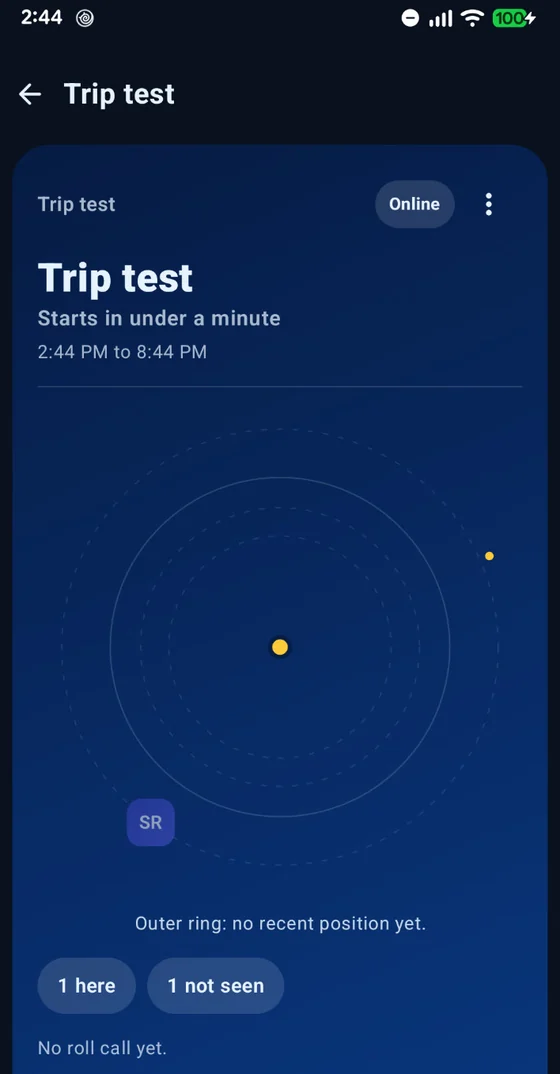
Start a trip with your group and see who is here, even off the grid. Made for hikes, camping, road trips, festivals and boats.
- A meeting point, roll call and a “back by” time
- See your group on the Radar and point the compass at them
- Trails show where anyone last had signal
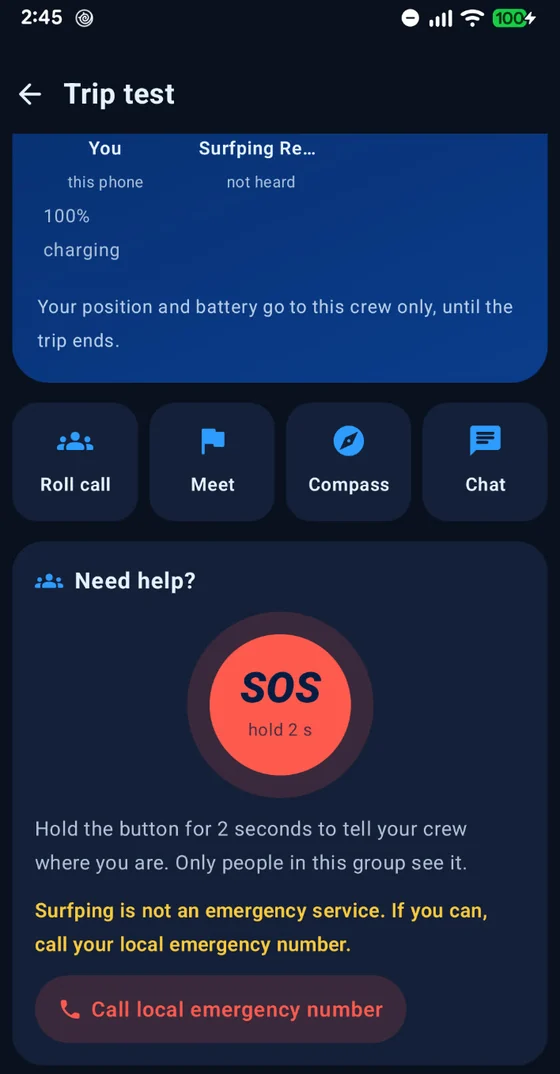
- SOS needs internet. It sends one message with your position to the people in your trip group. It does not alert phones nearby.
Your position is shared only with your group, end-to-end encrypted. Surfping is not an emergency service: call your local emergency number whenever you can.
Everything you expect.
Nothing you don’t.
Chat, call and share like any modern messenger, without handing over your phone number or your contacts.
Private and group chats
End-to-end encrypted, one to one or with a whole group.
Photos, voice notes, files
Photos, videos, voice notes, files, stickers and reactions.
Made for real conversations
Reply, edit, forward, pin, search all chats, and see Sent and Seen ticks.
Disappearing messages
Plus archive, mute and My notes to keep things tidy.
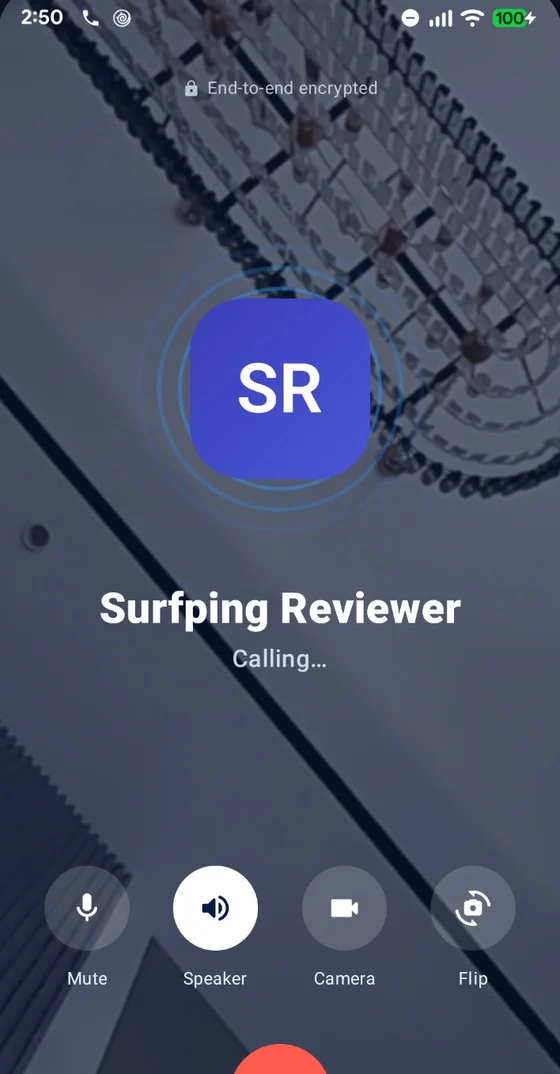
Encrypted voice and video calls
End-to-end encrypted over the internet, with picture-in-picture.
App lock and a private backup
App lock, screen security and an encrypted backup only you can open.
Just @you.
Sign up with email or Google and pick an @username. Friends find you by @username, QR code or profile link. Surfping never uploads your contacts.
- Invite friends with a link or a QR code
- End-to-end encrypted voice and video calls
- In one-to-one chats, strangers can only send a chat request
Share the moment.
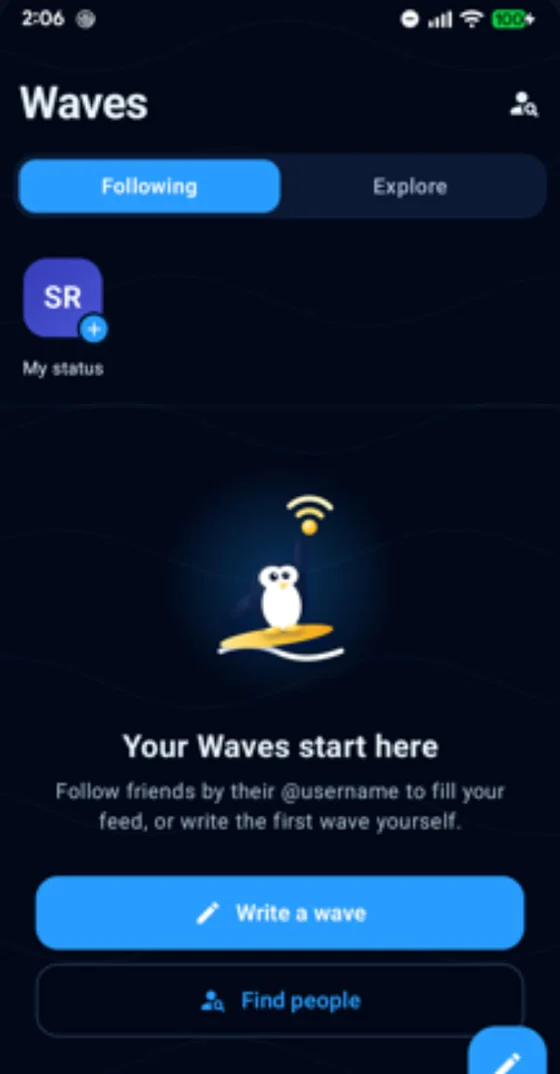
Short posts, photos and a 24-hour status for the people who follow you. No signal? Write it anyway. It is sent once you are back online, as long as Surfping is open and within 72 hours.
Waves and Status are posts for your followers, not private chats, so unlike chats and calls they are not end-to-end encrypted.
Seal a note and choose when it opens. Surfping keeps it closed until it lands.
Your messages
are yours.
No ads. No trackers. No analytics. We never sell your data. Privacy is how Surfping is built, not a setting you hunt for.
- End-to-end encryptedOnline chats, calls and trip positions. We cannot read them.
- No ads, no trackersNo analytics either. We never sell your data.
- No phone numberSurfping never uploads your contacts.
- Quiet notificationsPush notifications carry no message text through Google.
- A backup only you can openPlus app lock and screen security.
- You decide who reaches youIn one-to-one chats, strangers can only send a chat request. Report and block are one tap away.
- Reports reviewed in 24 hoursOur team reviews every report within 24 hours.
- Leave any timeDelete your account inside the app whenever you like.
Encryption protects your messages on the way and on our server. Nearby messages (no signal) use an encrypted link but are not end-to-end encrypted. No app can protect a phone that is already infected with spyware, so keep your phone updated.
Up and running in a minute.
Get Surfping
Install it from Google Play. It is free, with no ads.
Pick your @username
Sign up with email or Google. No phone number, no contacts upload.
Invite your people
Share your profile link or QR code, or start a group and send its invite link.
Made for wherever the bars disappear.
Questions, answered.
Is Surfping free?
Do I need a phone number?
How can I chat without internet?
Can Surfping read my messages?
Are Nearby messages end-to-end encrypted?
Are Waves and Status encrypted?
Is Surfping an emergency service?
How do I report or block someone?
How do I delete my account?
Who is it for, and who makes it?

Ready when the signal isn’t.
Free on Google Play. Private chat that keeps going, even with no signal.